SketchUp Select Tool - Adding and subtracting from a selection set
Adding and subtracting from a selection set: The Select tool is applied with one or other keyboard modifiers for inserting or eliminating substances from a selection set.
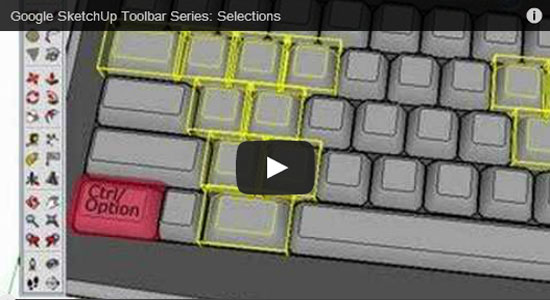
How to add to the selection set: Press and hold the Ctrl (Microsoft Windows) or Option (Mac OS X) key (the cursor will turn to an arrow having a plus sign) at the time of clicking on supplementary entities to insert entities, one at a time, to the selection set. Otherwise, press and hold the Shift key (the cursor will turn to an arrow having both plus and minus signs) at the time of clicking on supplementary entities for inserting entities, one at a time, to the selection set.
How to alter selection status for an entity (Shift): Press and hold the Shift key (The cursor will turn to an arrow having both plus and minus signs) at the time of clicking on entities to upturn the selection status of the entity (now selected entities will turn into unselected and unselected entities will be converted into selected).
How to subtract from the selection set: Press and hold the Shift and Ctrl (Microsoft Windows) or Option (Mac OS X) keys synchronically (the cursor will turn to an arrow having a minus sign) at the time of clicking on the entities presently selected to eliminate entities from the selection set. Alternatively, press and hold the Shift key (the cursor will transform to a both plus and minus sign) at the time of entities presently selected to take out the entities, one at a time, from the selection set.