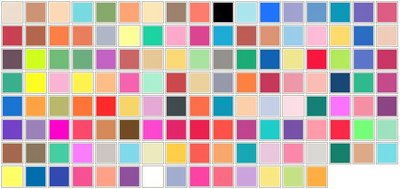
SketchUp Materials
SketchUp Materials Browser contains icons representing each of the available color pickers. Switch between these color pickers by clicking one on of these icons. The controls available in the middle of the Materials Browser differ depending on the currently selected color picker.
For example, clicking on the Materials Picker displays several new controls for materials handling. SketchUp Materials bonus pack contains hundreds of great-looking materials that you can use to really make your SketchUp models shine.
SketchUp allows you to paint materials on faces to add detail and realism to your models. Materials are essentially paints that have a color and optional texture. In fact, you can import an entire image of a real-world object (such as a picture of a car), and manipulate it over your 3D model to give your model a truly realistic appearance.
Default Material
Geometry in SketchUp is assigned a default material as it is created. The default material can be changed by painting the geometry with a material.
Material Transparency
Materials also have an opacity property (a number between 0 and 100%) allowing you to create materials that behave like glass. Paint these materials on faces to create windows.
You create realistic SketchUp Materials from image files (such as .jpg pictures taken with a digital camera) using the Materials Browser.
Find more sketchup materials :
To add materials from image files:
- ♦ Create a folder for your image files.
- ♦ Place your image files into the new folder.
- ♦ Launch SketchUp.
- ♦ Select Window > Materials - The Materials Browser is displayed.
- ♦ Click on the Materials picker.
- ♦ Click on the List drop-down menu.
- ♦ Select New.
- ♦ Enter a name for the new materials collection that will contain your image-based materials.
- ♦ Click OK. A new materials collection is saved
- ♦ Click on the Color drop-down menu.
- ♦ Select New Texture.
- ♦ Locate the image-based material to add to the collection.
- ♦ Click Open. The image-based material will be added to your new materials collection
SketchUp Materials are automatically used in Render Plus products such as IRender and RPS 3D PDF.
Download for Google SketchUp Material
Download more sketchup materials :
Sketchup Material - Harrington Kitchen
Sketchup Material - Derby Laundry Room
Sketchup Material - Road
Sketchup Material - Street Roadways
Sketchup Material - 3D City People
Sketchup Material - 3D Attributes
Sketchup Material - 3D Dynamic
Sketchup Material - 3D Dynamic Plant
Sketchup Material - 3D Window
Sketchup Material - 3D Double Entry Door
|